
Read the filenames again
A ZIP from a Windows colleague, full of garbled Chinese filenames? AIOAzip automatically converts legacy Chinese and Japanese names so you can read them again. Sharing it onward? Repack it as a compatible ZIP.
 AIOAzipAIOAzip · Macv1.0
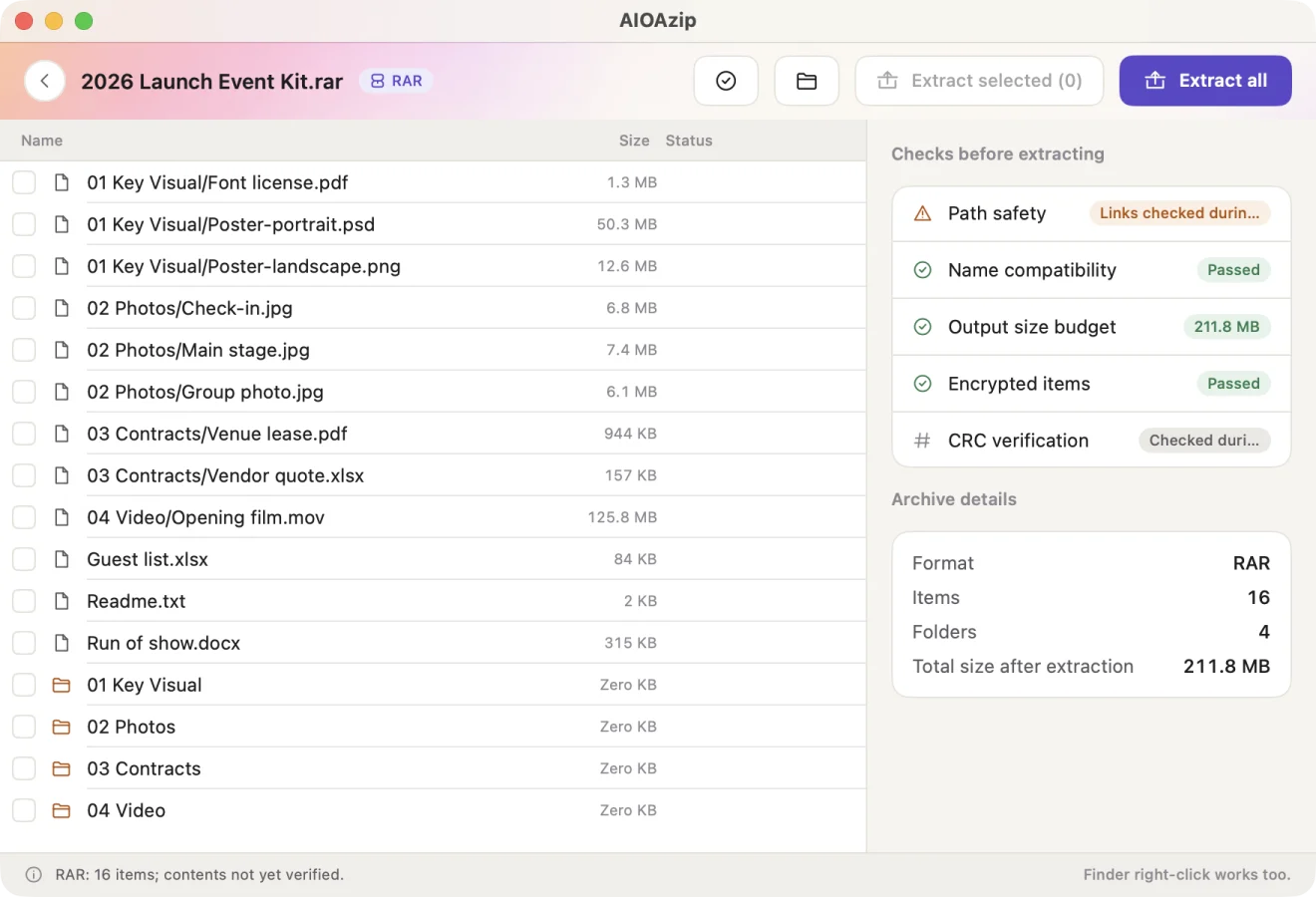
From 1993 RAR archives to today’s split volumes, open them on Mac. Nearly every format WinRAR can extract, completely free.
Coming soon to the Mac App Store
RAR test files, covering archives old and new.
damaged-file tests to put error handling to work.
named formats and format families, from ZIP to LZH.
network permissions. Your files are processed on your Mac.
Tested by creating and exchanging archives with WinRAR 6.11 and 7-Zip 26.05 on Windows. Cross-platform compatibility, checked with real files.
A ZIP from a Windows colleague, full of garbled Chinese filenames? AIOAzip automatically converts legacy Chinese and Japanese names so you can read them again. Sharing it onward? Repack it as a compatible ZIP.
An old backup or a download split across volumes shouldn’t send you looking for another computer. Extract every version from RAR 1.3 through RAR 5, including encrypted archives, solid compression and split volumes.
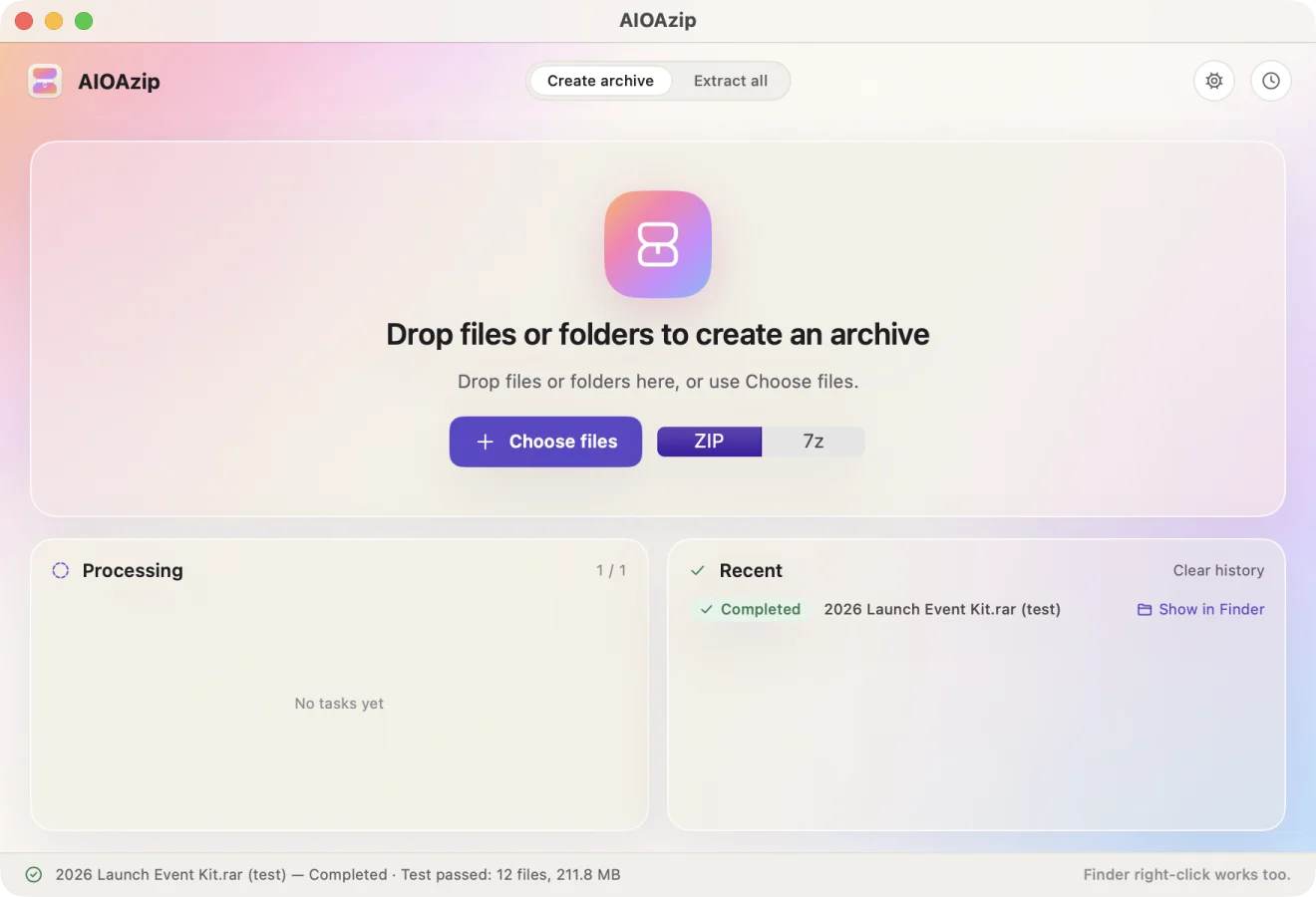
Different passwords for different files? Enter one at a time in the app. Each retry also tries your earlier entries, building up to 16 candidates per task and matching the right one to each file.
Need just two files from a huge archive? Browse first, then extract your selection. When merging into an existing folder, choose whether to skip, overwrite, rename or keep the newer file. You decide.
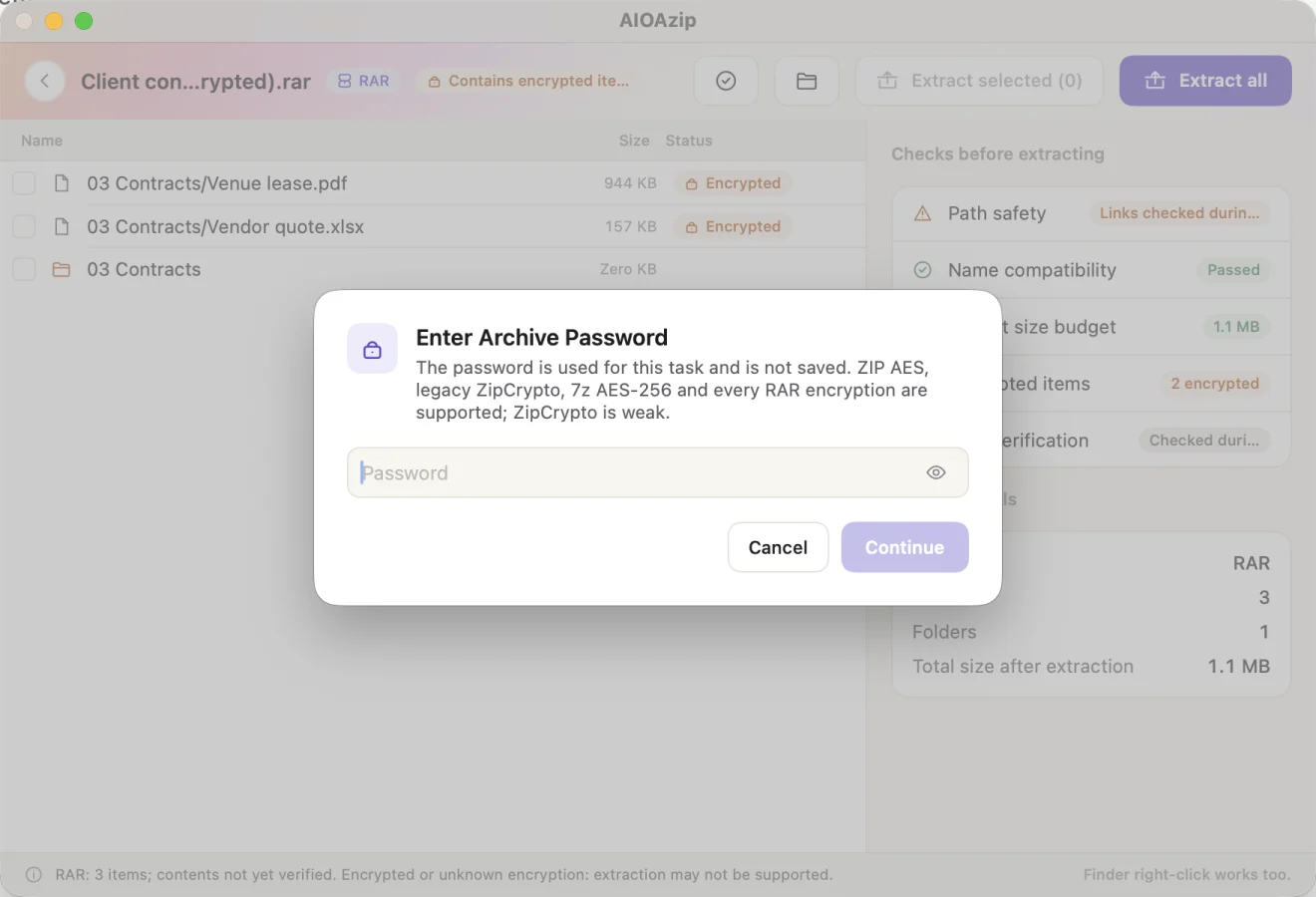
Ready to send that archive? After creating a ZIP or 7z, AIOAzip rereads the entire archive and compares each file’s hash. You get the result only after it has been checked for damage.
An archive just landed in your inbox. Get straight to work: no account, subscription, ads, in-app purchases or trial period. AIOAzip is completely free, has no network permission and processes every file on your Mac.
Everyday archives: ZIP, ZIPX and 7z.
RAR, old and new: every version from RAR 1.3 through RAR 5, all encryption methods, solid archives and split volumes.
ZIP compression methods: Deflate64, PPMd, LZMA, XZ, Zstandard and more.
Encrypted extraction: traditional ZIP encryption and AES, 7z AES-256, and all RAR encryption methods.
Archives and single-file compression: the tar family, gz, bz2, xz, zst, lz, Z and uue.
Other formats: CAB, ISO 9660 and LZH.
Split archives: .part1.rar, .r00, .z01, .001 and more.
Self-extracting archives: open SFX .exe archives made by WinRAR or 7-Zip directly.
Create and convert: ZIP (Deflate), 7z (LZMA2), and compatible ZIPs repacked from legacy-encoded ZIP archives.
ARJ, UDF, RAR creation, encrypted archive creation and damaged archive repair are not supported.
No server needs your files. The app has no network permission. Extraction and compression happen locally, with no data collection and no tracking of how you use it.
Give archives their own processing space. Parsing runs in a separate sandbox. Protection against malicious paths and links keeps writes within the destination folder, and dangerous permissions are stripped.
Verified first. Delivered second. Results are assembled in private temporary storage and moved to the destination only after validation. Existing files are not overwritten by default. Cancellation or a power cut won’t leave partial files posing as complete results.
Working in a terminal? The built-in AIOAzip --cli has commands to list contents, extract, verify, create ZIP or 7z archives and repack ZIPs. Copy the shell alias from Settings to get set up. For AI-assisted file workflows, use the built-in AIOAzip --mcp server. MCP-capable assistants such as Claude and Codex can list, extract, verify and create archives, with the same sandbox and authorization-list protections. The MCP configuration snippet is also in Settings, ready to copy.
alias aioazip='/Applications/AIOAzip.app/Contents/MacOS/AIOAzip --cli'

{
  "mcpServers": {
    "aioazip": {
      "command": "/Applications/AIOAzip.app/Contents/MacOS/AIOAzip",
      "args": ["--mcp"]
    }
  }
}
Join the public beta and install AIOAzip. On first launch, grant access to your home folder once.
Double-click an archive, drag it into the window, or choose an extraction command from Finder’s right-click Services menu.
Browse the contents, choose all or some files and a destination, then enter a known password if needed. Follow progress in the task list and retry any failed task.
Yes, completely free: no ads, in-app purchases, accounts, subscriptions or trial period. AIOAzip is made by Chongqing Hongchuangda Technology Co., Ltd. as a way for Mac users to discover AIOA through everyday compression and extraction. The app collects no data and does not track you.
Intel Macs are not currently supported. AIOAzip requires macOS 14 or later on a Mac with Apple silicon (M series).
You can extract RAR archives, but cannot currently create them. Extraction covers every version from RAR 1.3 through RAR 5, including encryption, solid archives and split volumes. You can create ZIP and 7z archives; both are currently unencrypted.
The app has no network permission. Files are processed locally, with no data collection or tracking. Parsing runs in a separate sandbox with safeguards against writes outside the destination and malicious links. Output is validated before delivery. If you use an external AI assistant, its handling of data is governed by that service’s own policies.
AIOAzip is coming to the Mac App Store, with a public TestFlight beta first. There is no specific date to announce yet. Source code will be published on GitHub after the official App Store release, and the license will be announced then. It is not open source yet.
If you work with old RARs, split archives, legacy-encoded filenames or archives whose files use different passwords, AIOAzip brings those tasks into one tool. You can also browse before extracting selected files, verify without writing extracted contents to disk, and work through the CLI or MCP.
Provide passwords you already know for encrypted ZIP, 7z or RAR archives. The app accepts one password at a time; each retry also tries the earlier entries, up to 16 candidates per task, and matches them to individual files. The command line and MCP can accept all candidates at once. AIOAzip does not crack passwords or repair damaged archives.
Report an issue: support@cqagc.com
Security issues: security@cqagc.com
Privacy policy
From 1993 RARs to today’s split archives, from Chinese filenames to different passwords in one archive: give them to AIOAzip. Completely free, with no ads or subscriptions and every file processed locally. Bring your archives and join the public beta.
Coming soon to the Mac App Store